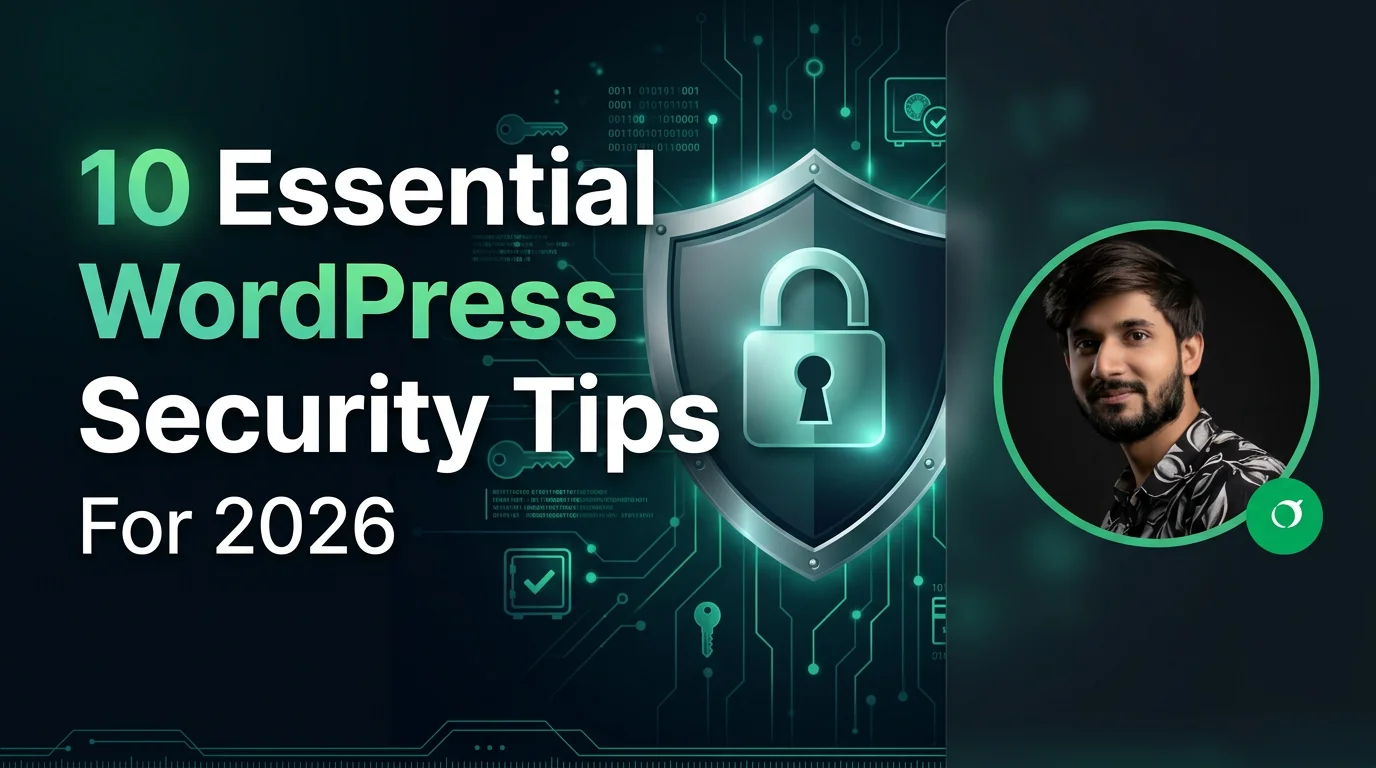
WordPress security is more important than ever in 2026. With WordPress powering a large percentage of the web, it remains a common target for hackers, malware attacks, and brute-force login attempts. Securing your website is essential to protect your data, users, and search engine rankings, and it is a core part of my security hardening service.
Why WordPress Security Matters
A compromised website can lead to data loss, SEO penalties, downtime, and loss of customer trust. Strong security practices help you prevent attacks before they happen and ensure your website remains stable and trustworthy.
- Protects sensitive user data
- Prevents malware infections
- Improves SEO stability
- Maintains website uptime
1. Use Strong Login Credentials
Weak passwords are one of the most common security risks. Always use strong, unique passwords for your WordPress admin, database, and hosting accounts.
- Use a mix of letters, numbers, and symbols
- Avoid common passwords like "admin123"
- Use a password manager
2. Keep WordPress Updated
Regular updates for WordPress core, themes, and plugins are critical for fixing security vulnerabilities.
- Enable automatic updates when possible
- Update plugins regularly
- Remove unused themes and plugins
3. Install a Security Plugin
Security plugins provide firewall protection, malware scanning, and login protection features.
- Wordfence Security
- Sucuri Security
- iThemes Security
4. Enable Two-Factor Authentication (2FA)
Two-factor authentication adds an extra layer of security by requiring a second verification step during login.
5. Limit Login Attempts
Restricting login attempts helps prevent brute-force attacks by blocking repeated failed login attempts.
6. Use SSL Certificate (HTTPS)
SSL encrypts data between your website and users, making it harder for attackers to intercept sensitive information.
7. Change Default Login URL
Changing the default WordPress login URL reduces automated bot attacks targeting /wp-admin and /wp-login.php.
8. Regular Backups
Backups ensure you can quickly restore your website in case of hacking or data loss.
- Use plugins like UpdraftPlus
- Store backups offsite (Google Drive, Dropbox)
- Schedule automatic backups
9. Secure Hosting Environment
Choose a reliable hosting provider that offers built-in security features such as firewalls, malware scanning, and server monitoring.
10. Disable File Editing in Dashboard
Disabling file editing prevents hackers from modifying theme and plugin files through the WordPress admin panel.
define('DISALLOW_FILE_EDIT', true);
Bonus Tips for Better Security
- Use a Web Application Firewall (WAF)
- Protect wp-config.php file
- Change database prefix from default "wp_"
- Monitor website activity logs
Conclusion
WordPress security in 2026 requires a proactive approach. By following these essential security tips, you can significantly reduce risks, protect your website from threats, and ensure long-term stability and SEO performance.