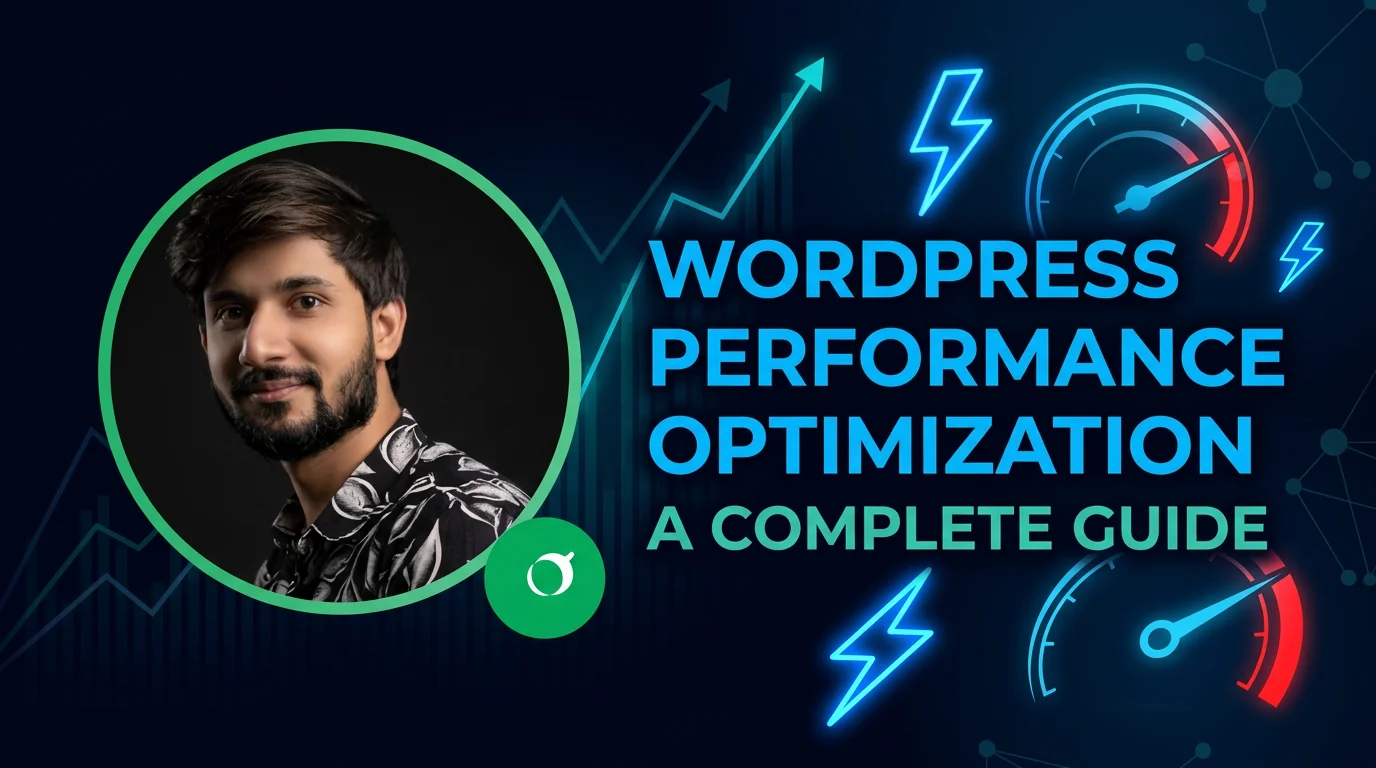
Website performance plays a critical role in user experience, SEO rankings, and conversion rates. A slow WordPress website can negatively impact traffic and business growth. Optimizing your site ensures faster load times and a smoother user experience, which is why I include performance optimization in many client projects.
Why WordPress Performance Matters
Speed is no longer optional. Search engines like Google prioritize fast websites, and users expect pages to load within seconds. A delay of even one second can reduce conversions significantly.
- Improves SEO rankings
- Enhances user experience
- Reduces bounce rates
- Increases conversions
Choose a Good Hosting Provider
Your hosting provider is the foundation of your website speed. Cheap or shared hosting can slow down your site significantly.
- Use managed WordPress hosting
- Choose servers close to your audience
- Prefer SSD storage and modern stack (PHP 8+)
Use a Lightweight Theme
A heavy theme with unnecessary features can slow down your website. Always choose a lightweight, performance-optimized theme.
- Avoid bloated themes
- Use minimal design structure
- Choose well-coded frameworks
Optimize Images
Large image files are one of the biggest causes of slow websites. Proper optimization can significantly improve load speed.
- Use WebP format
- Compress images before uploading
- Use lazy loading
Use Caching Plugins
Caching helps store static versions of your pages so they load faster for returning visitors.
- WP Rocket
- W3 Total Cache
- LiteSpeed Cache
Minify CSS, JS, and HTML
Minification removes unnecessary spaces and characters from code, reducing file size and improving load speed.
Use a Content Delivery Network (CDN)
A CDN distributes your website content across multiple servers worldwide, reducing latency for users.
- Cloudflare
- StackPath
- BunnyCDN
Optimize Database
Over time, WordPress databases can become bloated with revisions, spam comments, and unused data.
- Clean post revisions
- Remove spam comments
- Optimize database tables regularly
Reduce Plugin Usage
Too many plugins can slow down your website. Only use essential and well-coded plugins.
Enable GZIP Compression
GZIP compression reduces the size of your website files, making them load faster in browsers.
Use Lazy Loading
Lazy loading ensures images and videos load only when they are visible on the screen.
Test Your Website Speed
Always test your website performance using tools like:
- Google PageSpeed Insights
- GTmetrix
- Pingdom Tools
Conclusion
Optimizing WordPress performance is essential for SEO, user experience, and conversions. By implementing these best practices, you can significantly improve your website speed and overall performance.