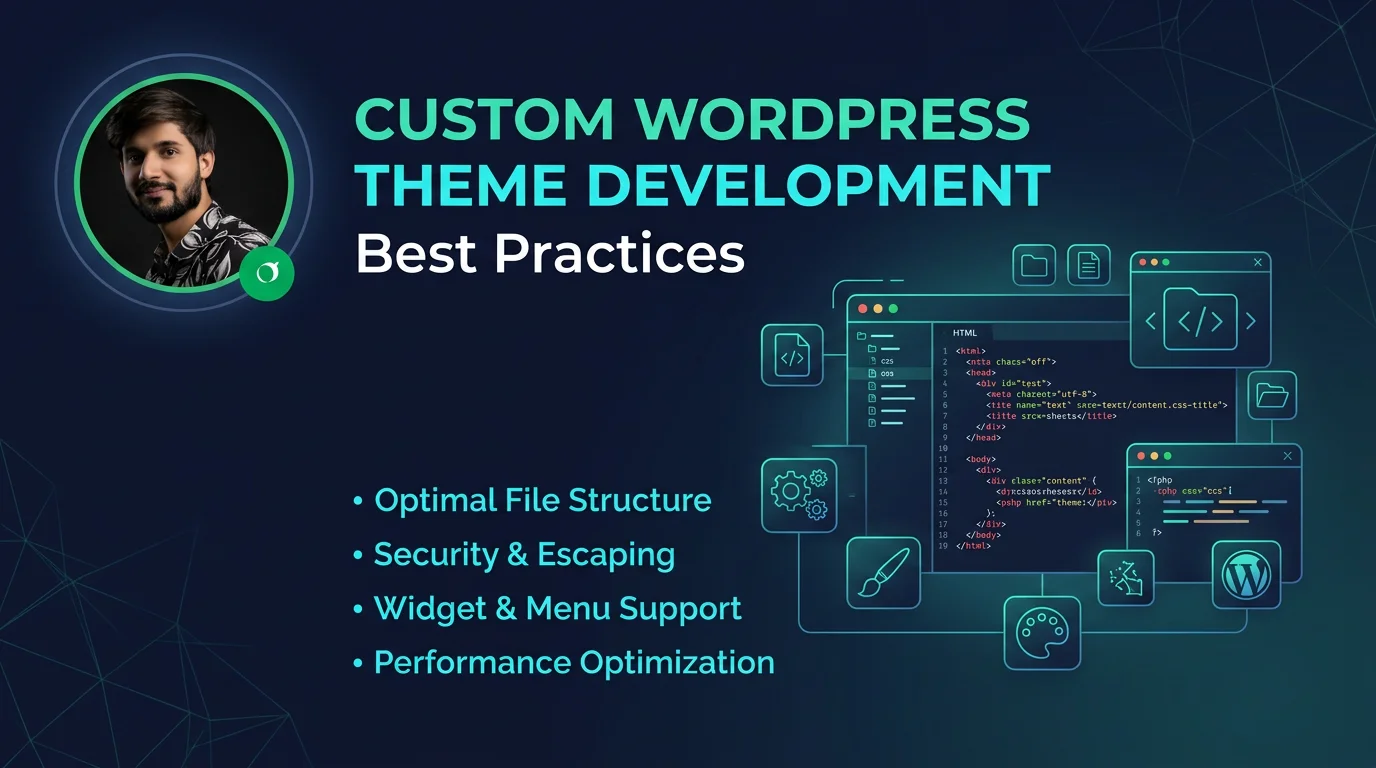
Custom WordPress theme development allows developers to build fully tailored websites that match specific business needs. However, writing a theme is not just about design—it requires following best practices to ensure performance, scalability, and long-term maintainability. If you want this done professionally, I offer custom theme development as part of my WordPress services.
What Is a Custom WordPress Theme?
A custom WordPress theme is a fully or partially built design system created from scratch or based on a starter theme. Unlike pre-built themes, custom themes give developers full control over layout, functionality, and performance.
Why Custom Themes Matter
Custom themes are important because they provide flexibility and avoid unnecessary code bloat found in many pre-built themes. They are optimized for specific use cases and improve overall website performance.
- Better performance and speed
- Clean and optimized code
- Full design flexibility
- Improved security
- Scalability for future features
Best Practices for Theme Development
1. Follow WordPress Coding Standards
Always follow WordPress coding standards for PHP, HTML, CSS, and JavaScript. This ensures consistency and compatibility with plugins and core updates.
2. Use a Starter Theme
Using starter themes like Underscores (_s) helps speed up development while maintaining clean structure.
3. Keep Functions Modular
Instead of writing everything in functions.php, split functionality into separate files for better organization and maintainability.
4. Optimize Performance
Minimize HTTP requests, optimize images, and avoid loading unnecessary scripts or styles.
5. Use Enqueue Properly
Always use wp_enqueue_style() and wp_enqueue_script() instead of hardcoding assets.
function theme_assets() { wp_enqueue_style('main-style', get_stylesheet_uri()); wp_enqueue_script('main-js', get_template_directory_uri() . '/assets/js/main.js', array(), null, true); } add_action('wp_enqueue_scripts', 'theme_assets');
Theme Structure Best Practices
- Use a clear folder structure (assets, template-parts, inc)
- Separate logic and presentation
- Use template parts for reusable sections
- Keep templates clean and readable
Security Best Practices
Security should always be a priority when developing WordPress themes.
- Sanitize all user inputs
- Escape output properly
- Use nonces for form validation
- Avoid direct database queries when possible
Responsive Design
Your theme should be fully responsive and work on all devices. Use flexible layouts, media queries, and mobile-first design principles.
Testing and Debugging
Always test your theme across different browsers and devices. Enable WordPress debugging during development to catch errors early.
Conclusion
Custom WordPress theme development is a powerful skill that allows complete control over website design and functionality. By following best practices, you ensure your themes are fast, secure, and scalable for long-term use.